
Ready.
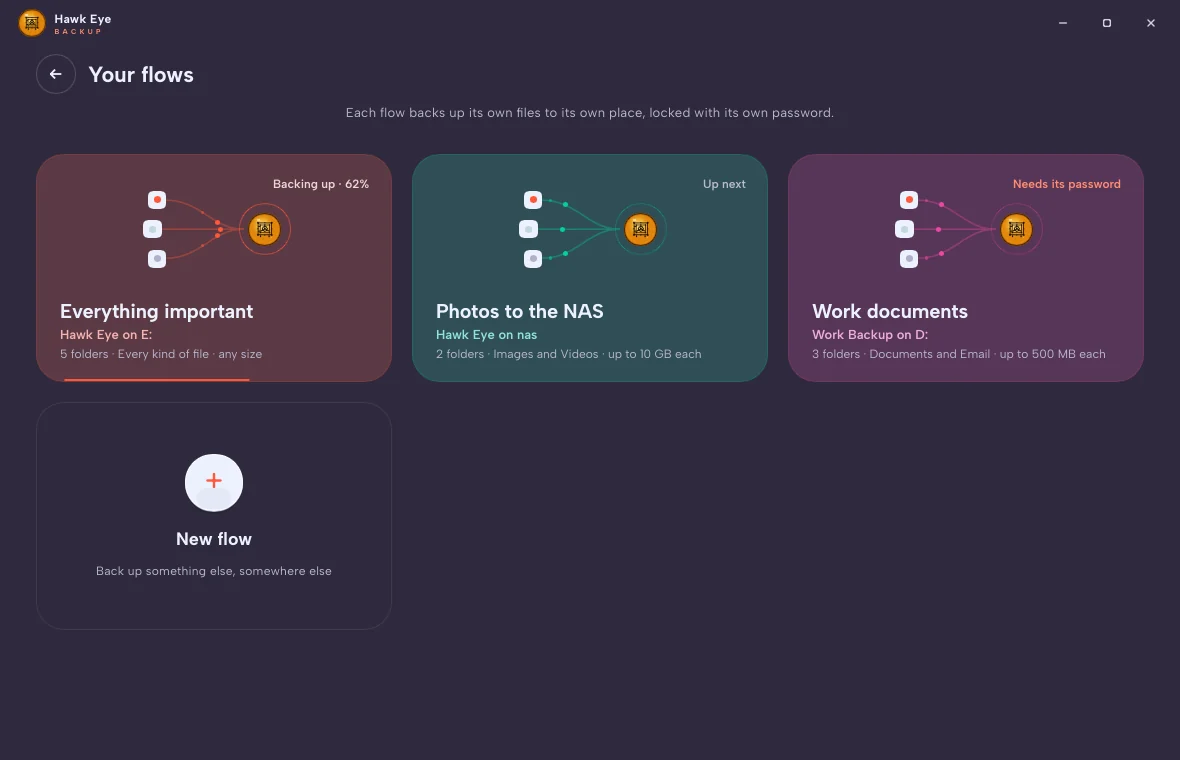
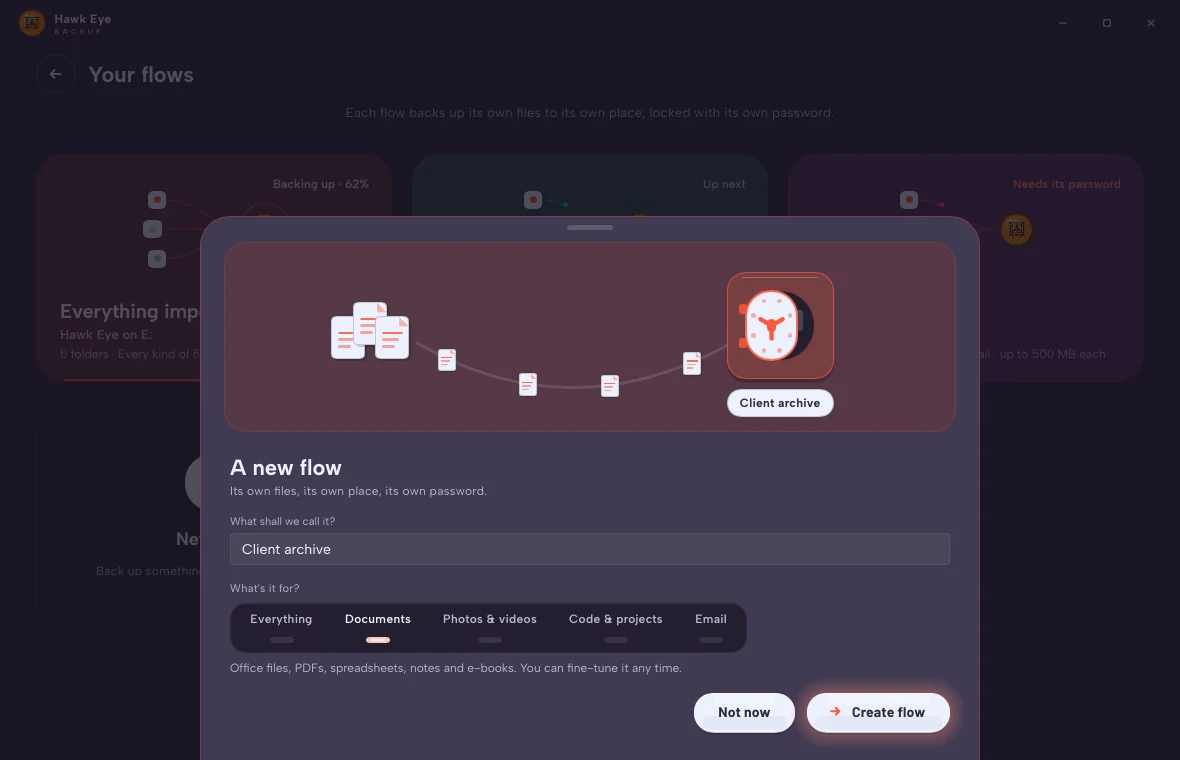
Name it. Client archive. Photos to the NAS. Everything important. Each flow keeps its own files, in its own place, locked with its own password.
A quick set it and forget it… that never forgets. Choose what matters once. Hawk Eye Backup keeps it, checks every byte it writes, and hands it back the moment you ask.
For Windows 10 and 11.
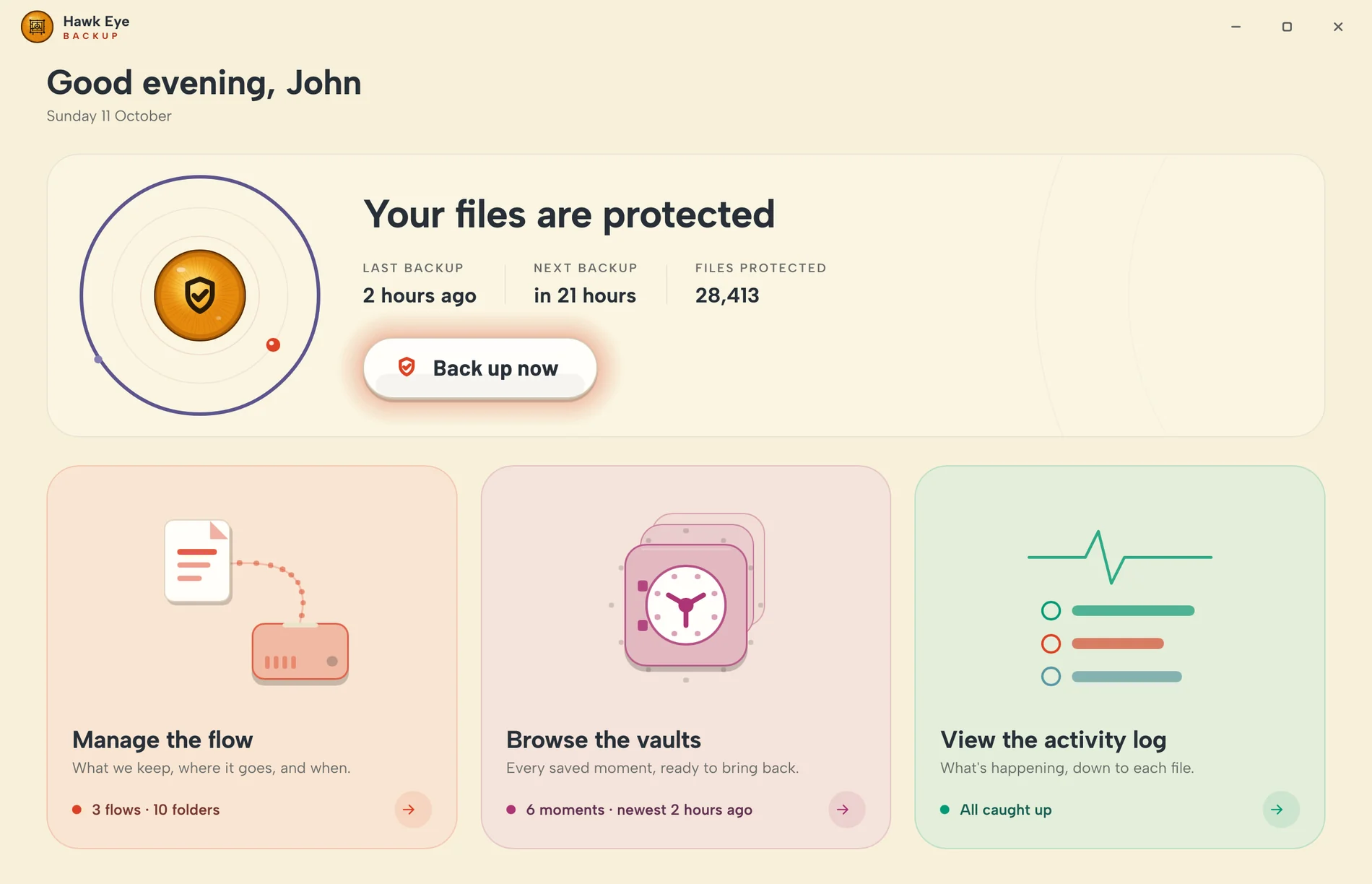
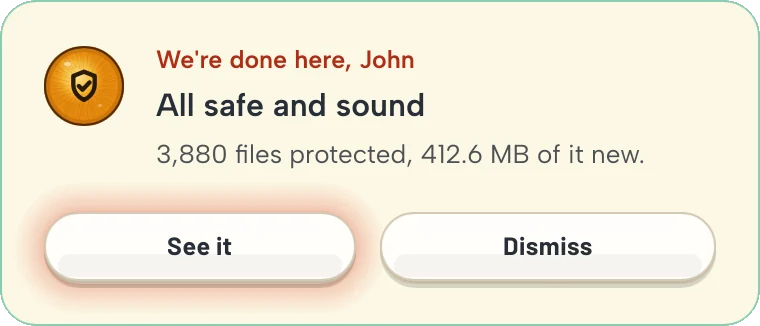
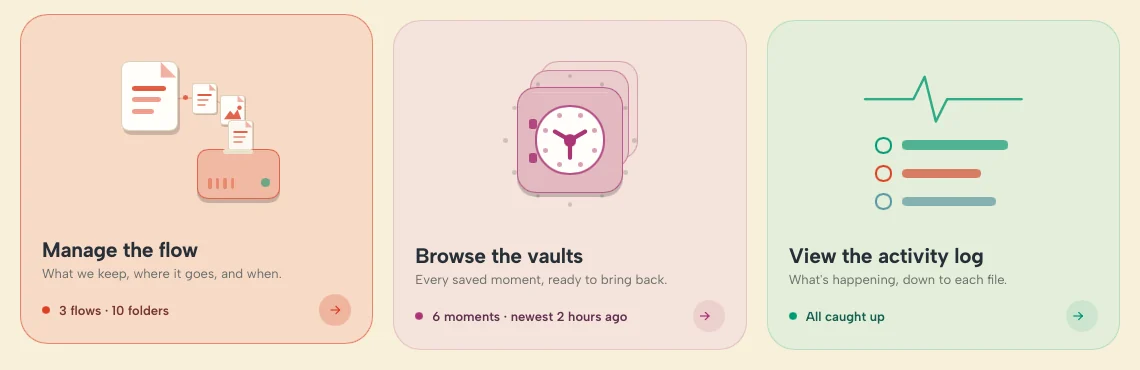
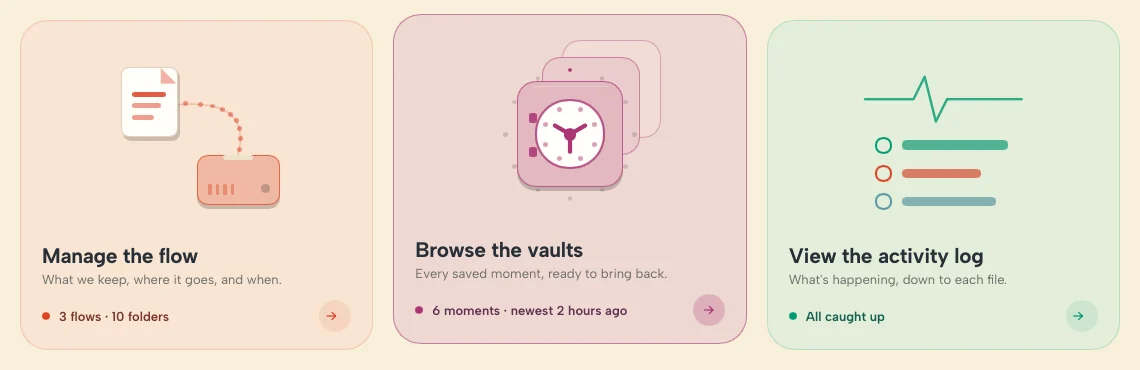
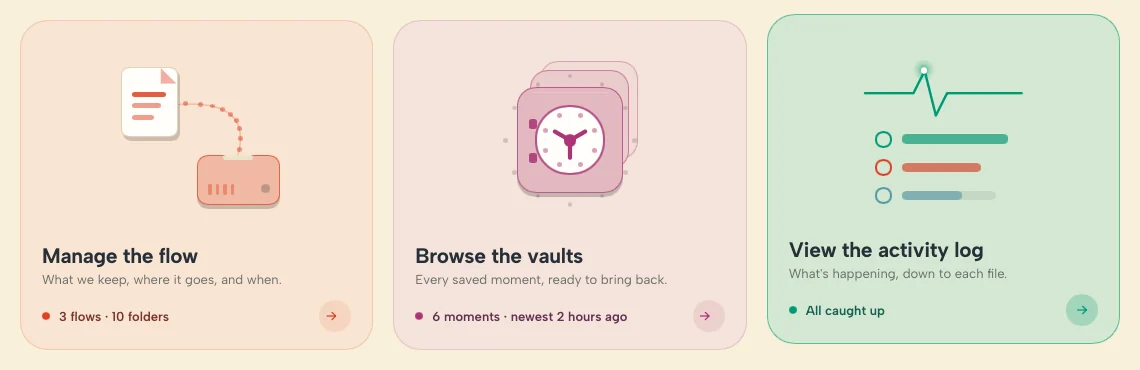
Simple square pictures that wake up when you point at one. Files start flowing to the drive. The vault dial turns. The log's pulse runs.
A flow is one backup with a life of its own: its own files, its own place, its own password. Make as many as you like.
Name it. Client archive. Photos to the NAS. Everything important. Each flow keeps its own files, in its own place, locked with its own password.
Say what it's for. One touch on the light strip and it knows which kinds of file to keep.
Office files, PDFs, spreadsheets, notes and e-books. You can fine-tune it any time.
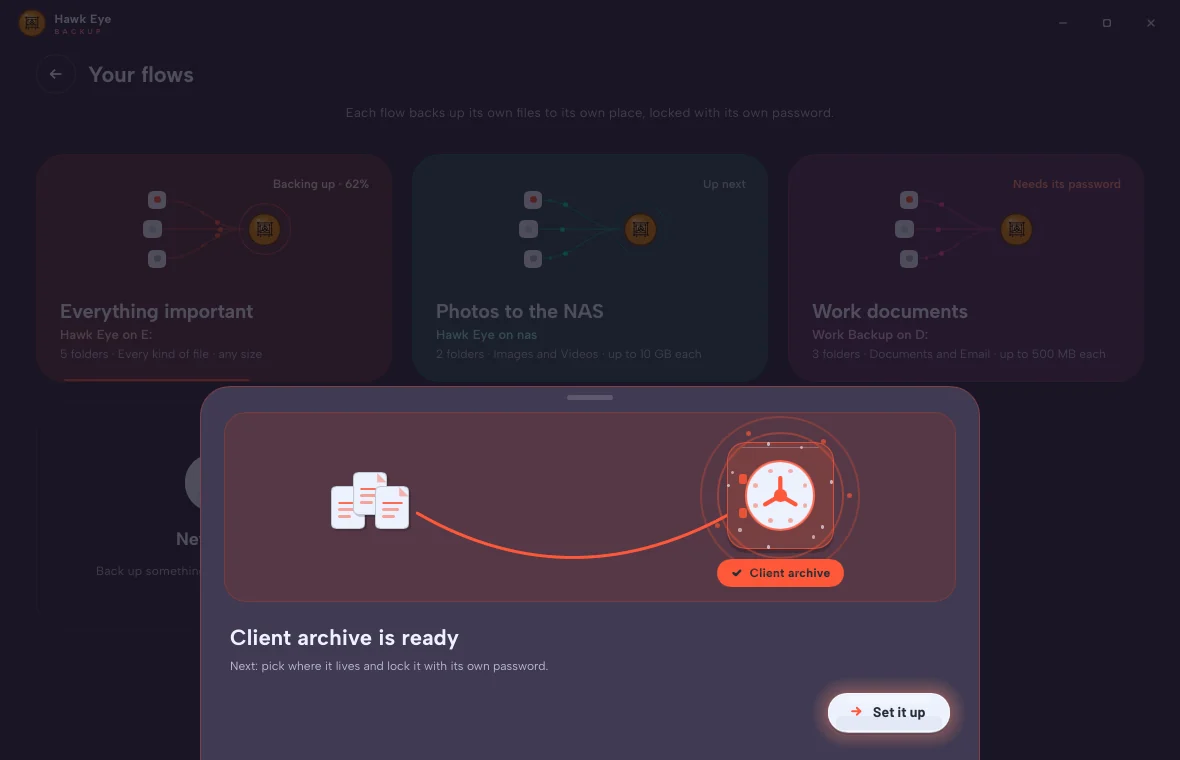
It's ready. Pick where it lives, lock it with its password, and walk away. From here on it runs itself.
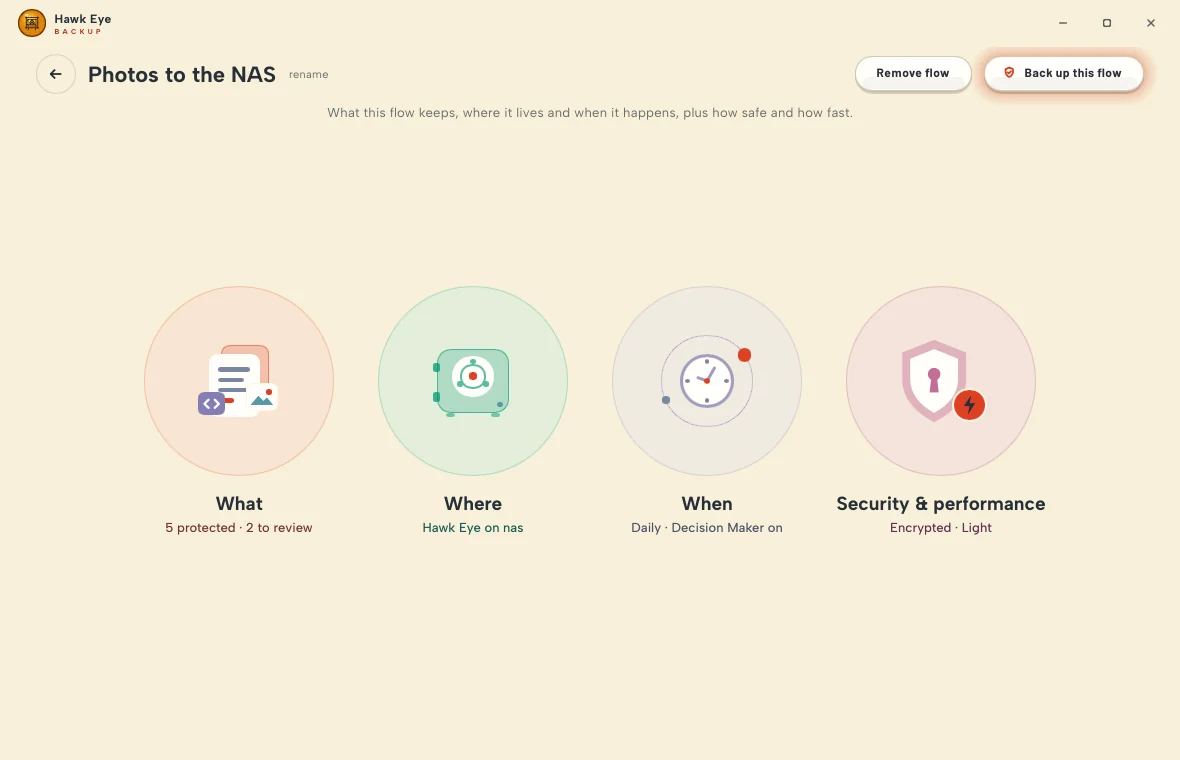
Four circles hold everything a flow needs to know. Fill them in once. After that, you'll only open them out of curiosity.
Folders, kinds of file, a size cap and your own rules. Only what's lit up goes in.
A second drive, a USB disk, the NAS. Encrypted before a single byte leaves your PC.
After changes, hourly, every 6 hours, daily or weekly. Or let the Decision Maker pick the moment.
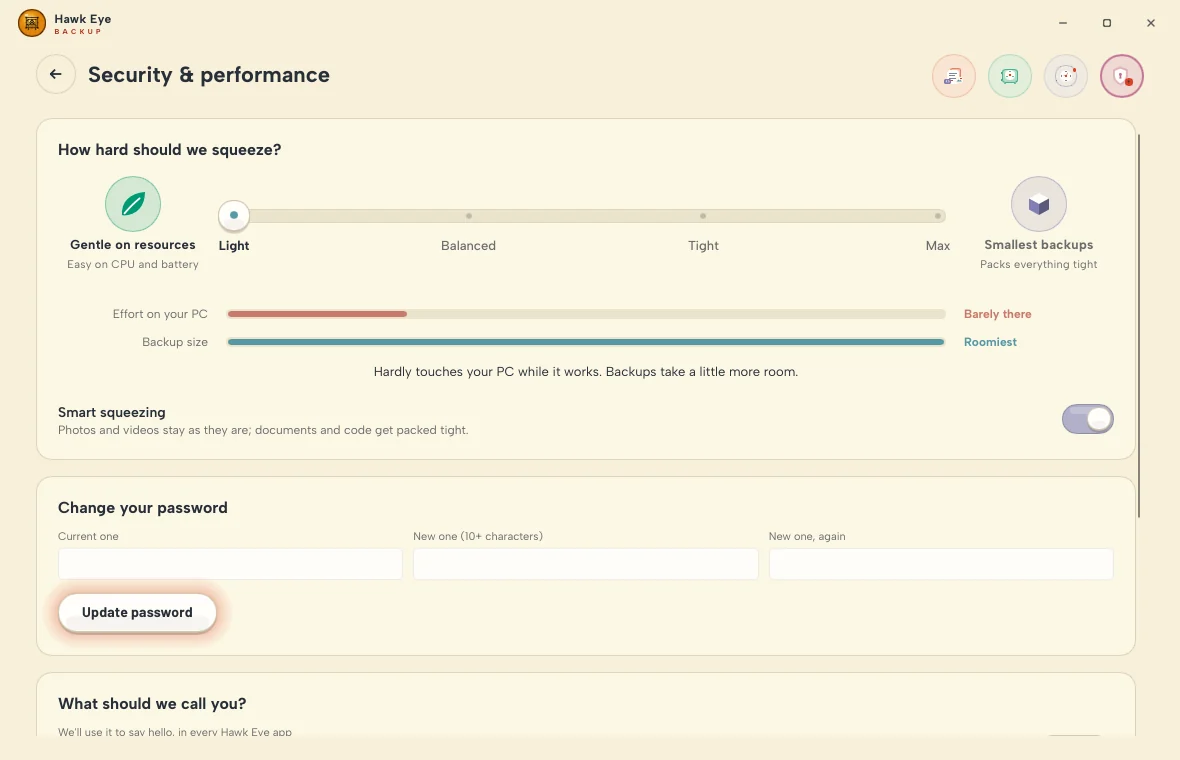
A quiet PC or small backups, your choice. Change the password whenever you like. Nothing gets re-encrypted.
Interrupted halfway? It picks up where it stopped. Nothing already sealed is done twice.
Only what changed gets read. It's cut into chunks, each chunk is kept once, squeezed, then sealed before it's written.
Every pack is read straight back from the drive, past the cache, and matched byte for byte. A moment isn't saved until all of it checks out.
A pack that reads back wrong is written again. A backup that's interrupted carries on where it stopped. Anything missing goes in on the next run.
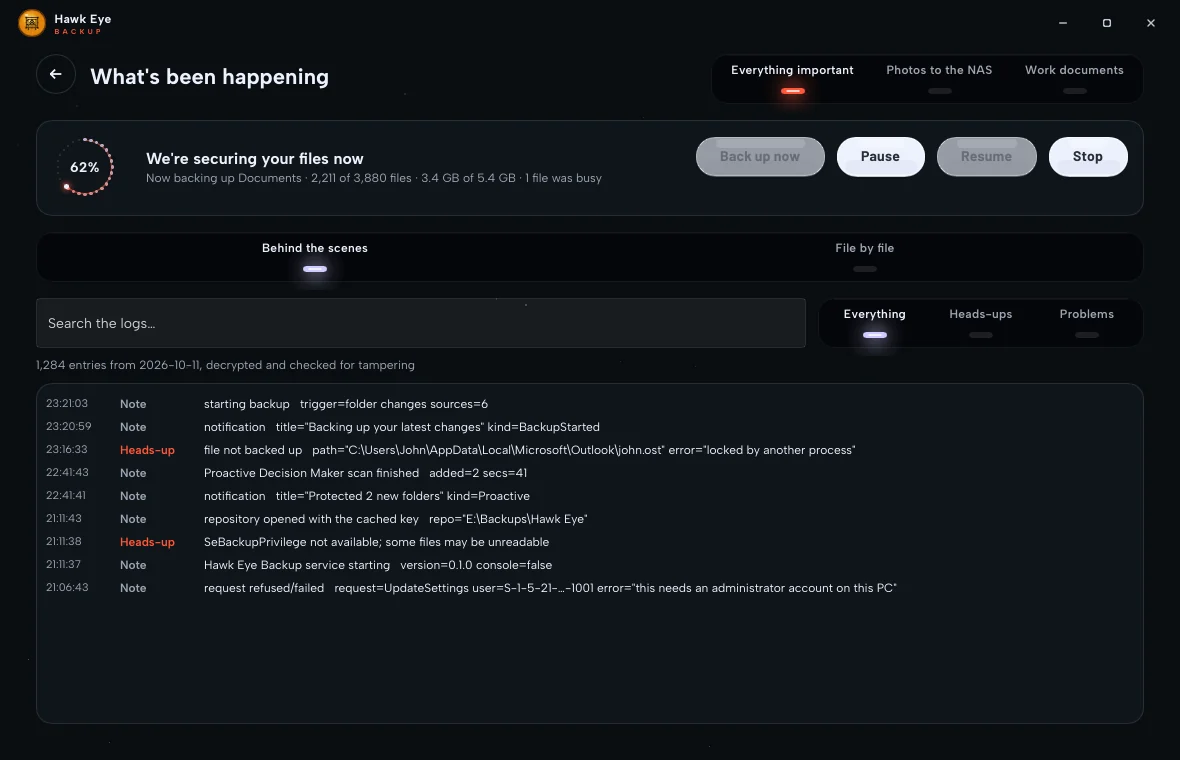
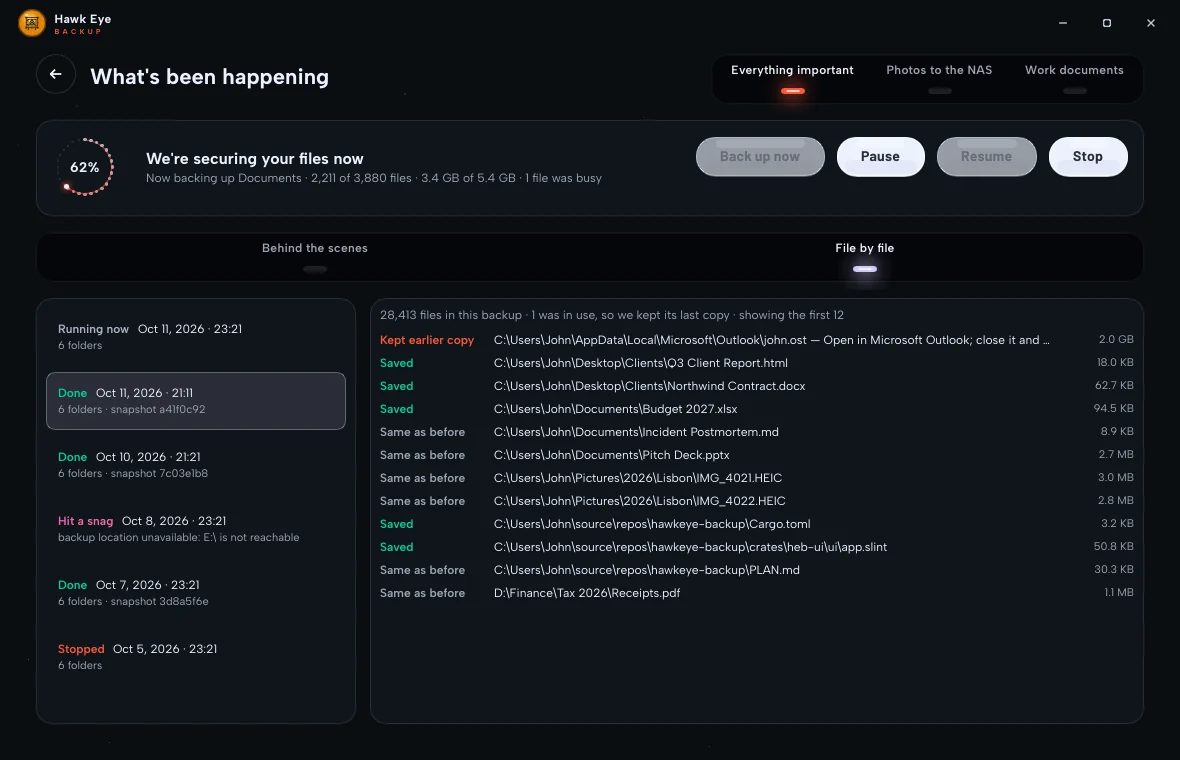
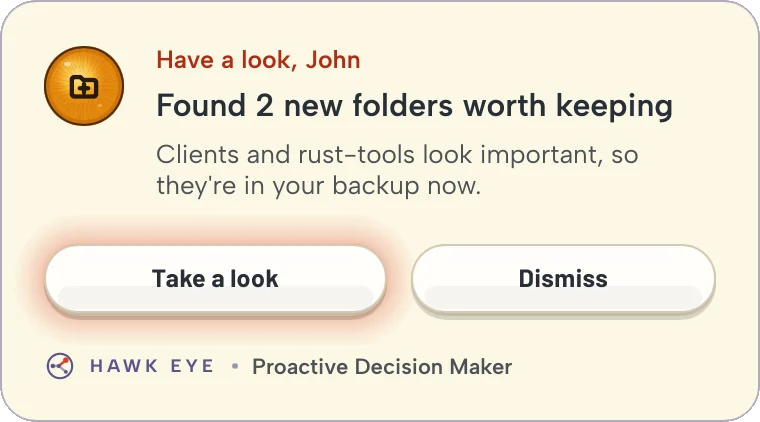
The Proactive Decision Maker finds the folders that matter to you, watches them, and backs up when you've been busy. Switched off for a while? It catches up on everything that changed in the meantime.
New folders worth keeping get protected on their own.
Your edits get a moment to settle, then they're saved.
Open files are copied from a shadow copy. If one is still locked, it names the app holding it.
It tells you what it's up to, in plain words, by name.
When it adds a folder, it says why: Rust project, 214 source files, edited 2 hours ago.
Each backup is a moment you can open. Pick one, take what you need, and put it back where it belongs.
Every backup, newest first, from every flow.
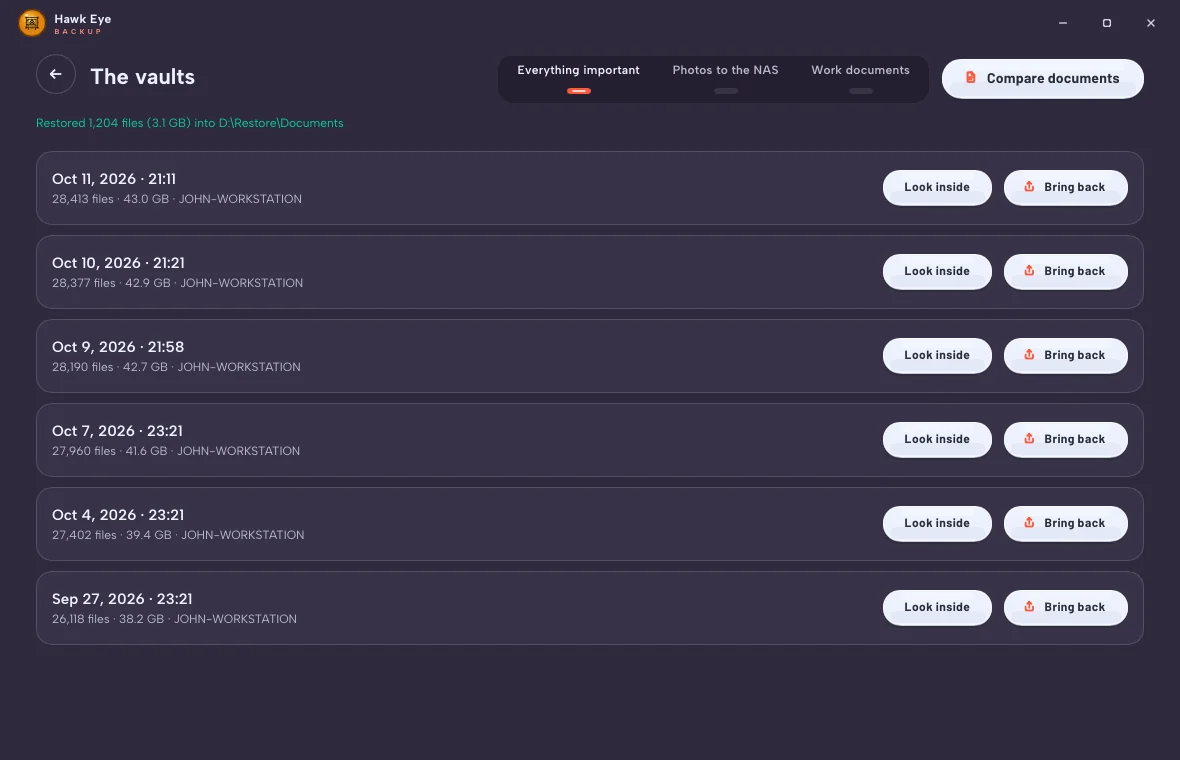
Everything as it was then. Tick what you want.
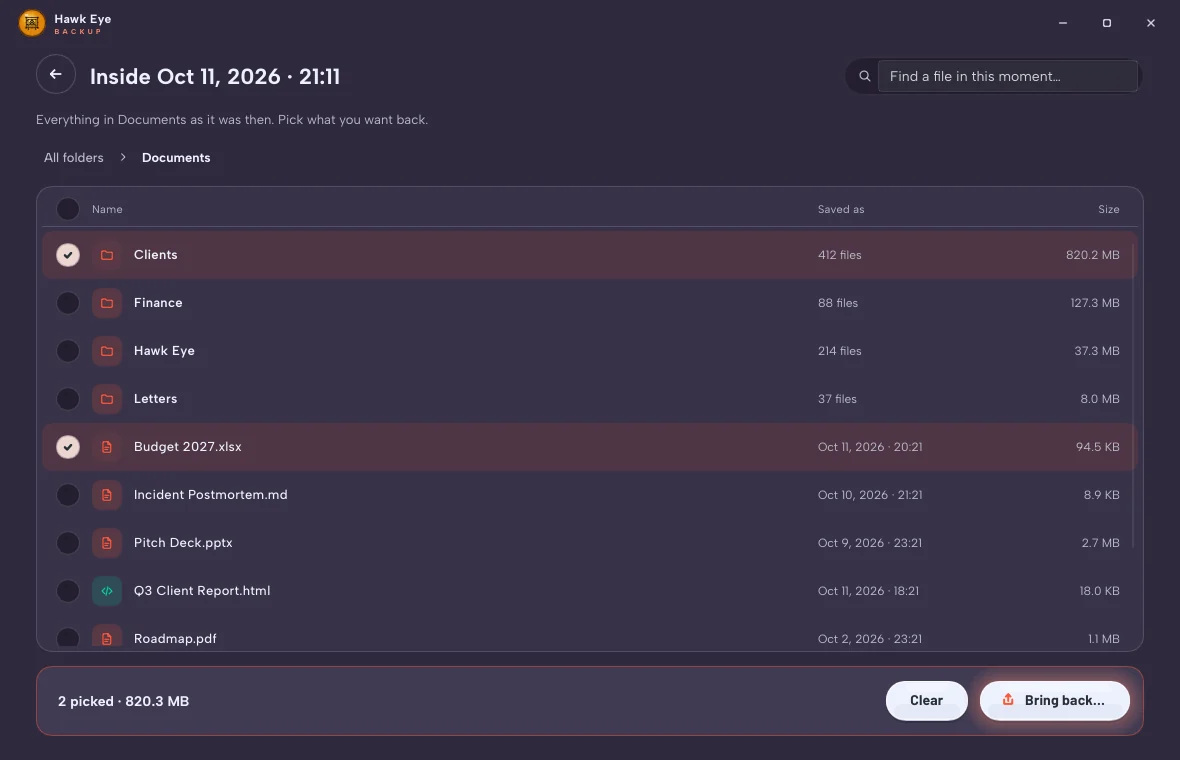
Where it came from, or somewhere new.
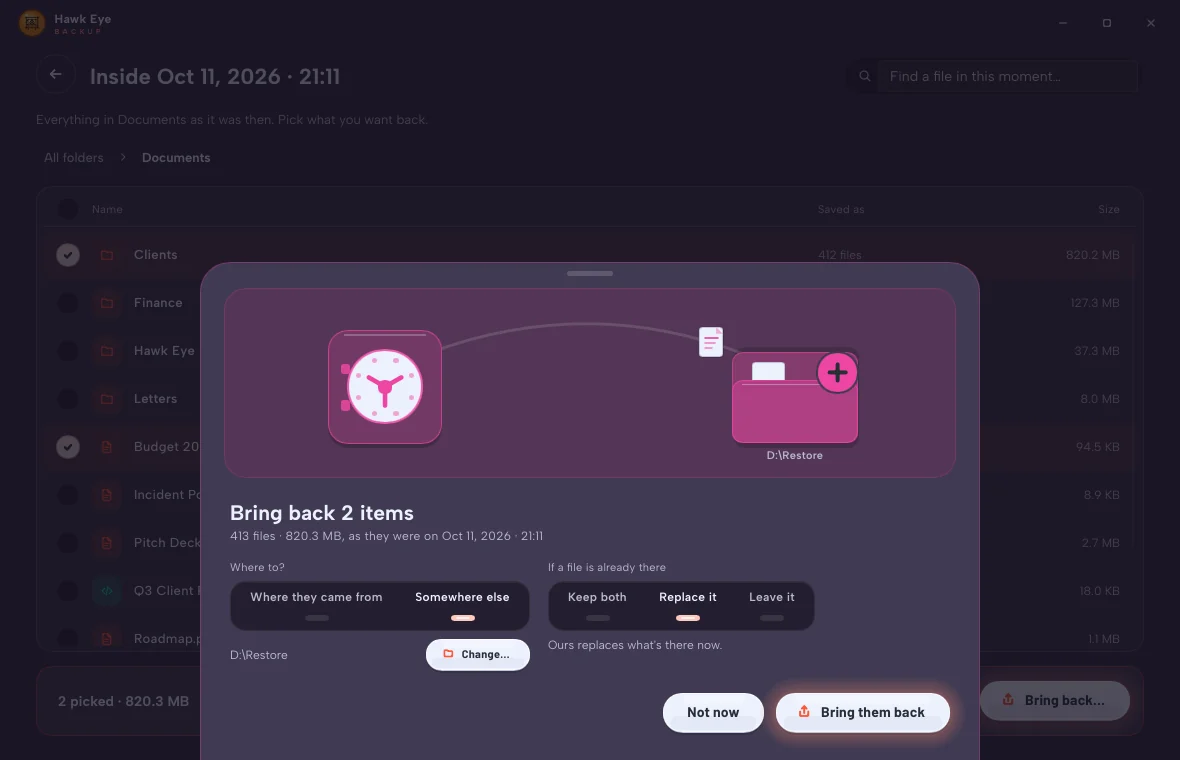
Every chunk is checked before a byte is written.
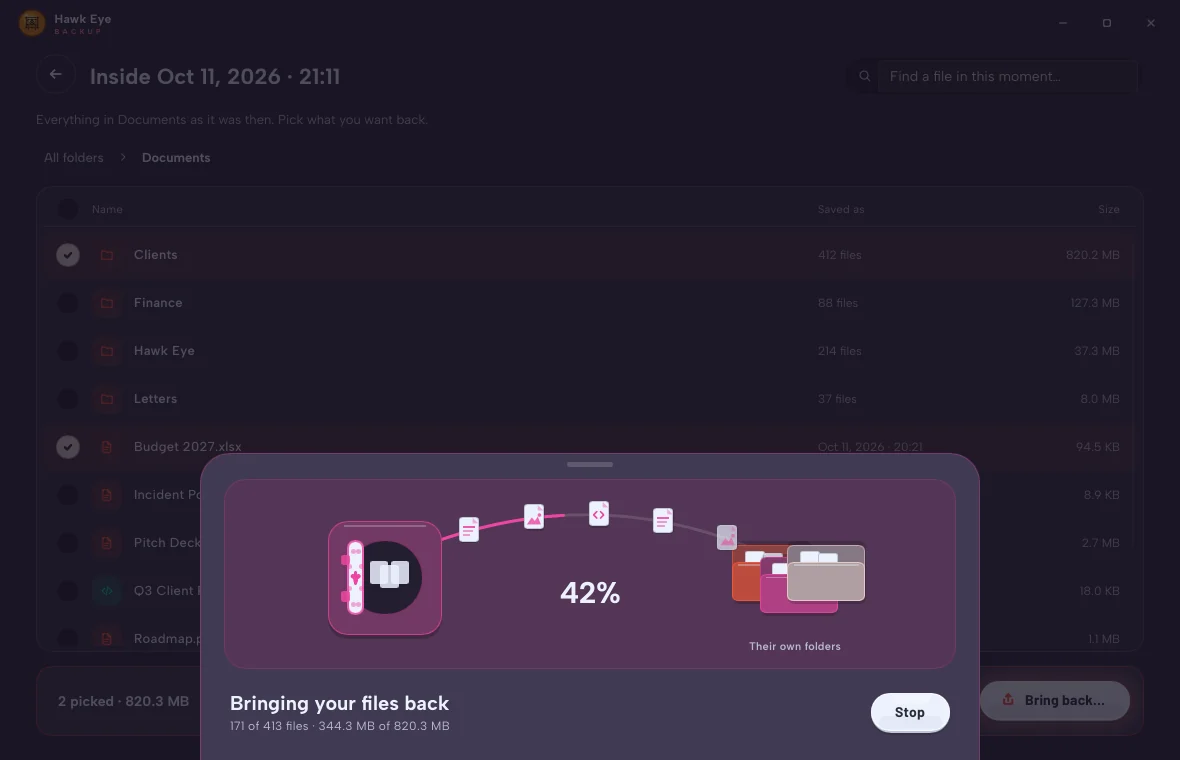
Where they belong, with a check to prove it.
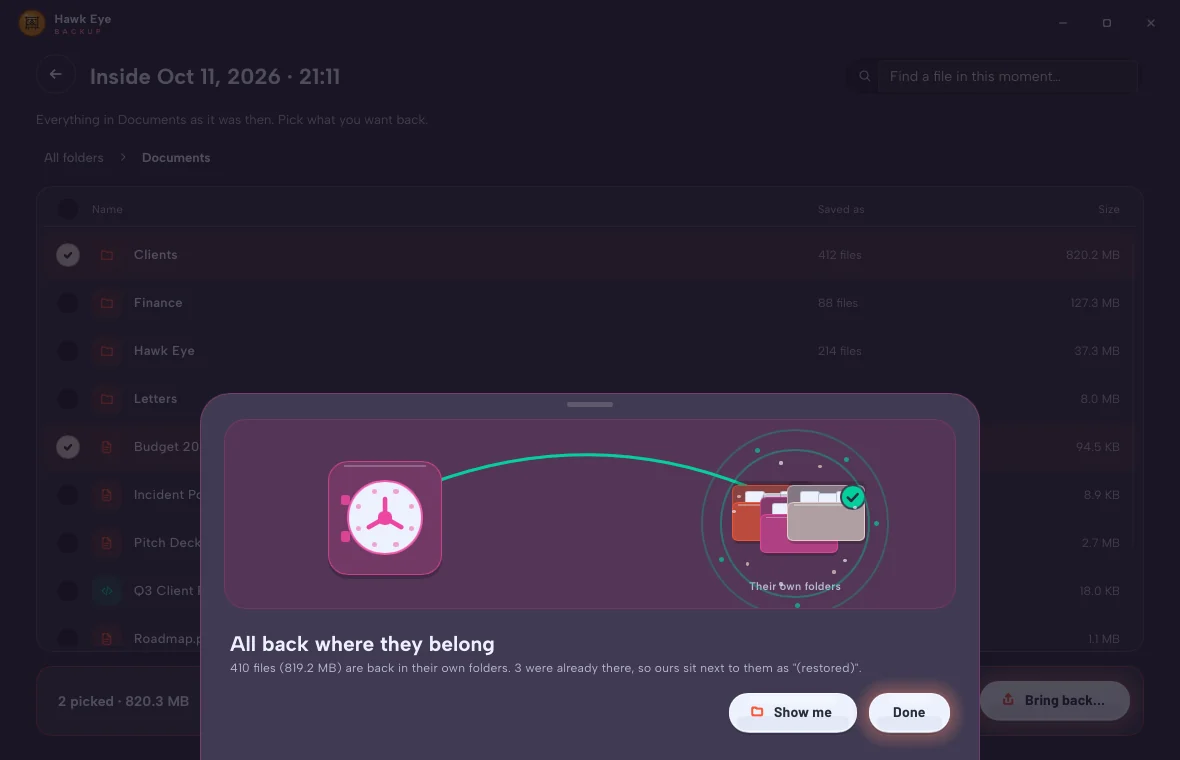
If a file you're bringing back is already in its place, you decide what happens. Keeping both is the default, so nothing is ever lost by accident.
We'll put ours next to it, named "(restored)", so nothing gets lost.
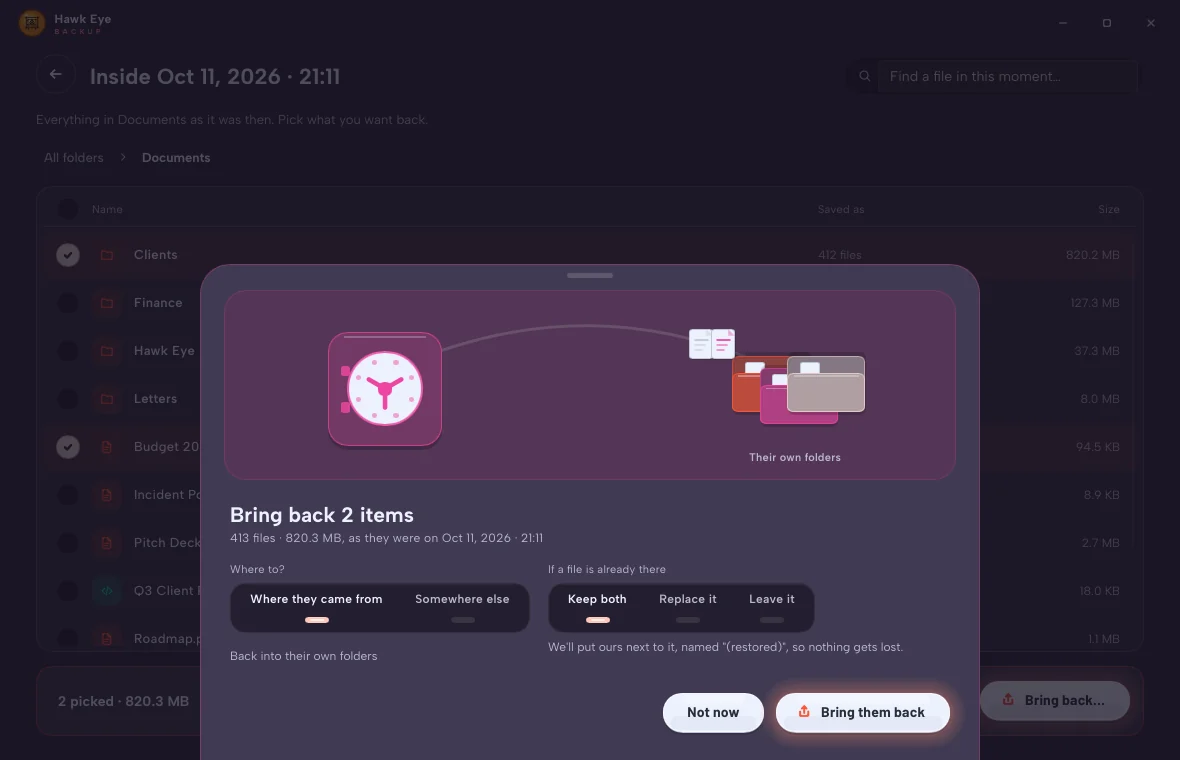
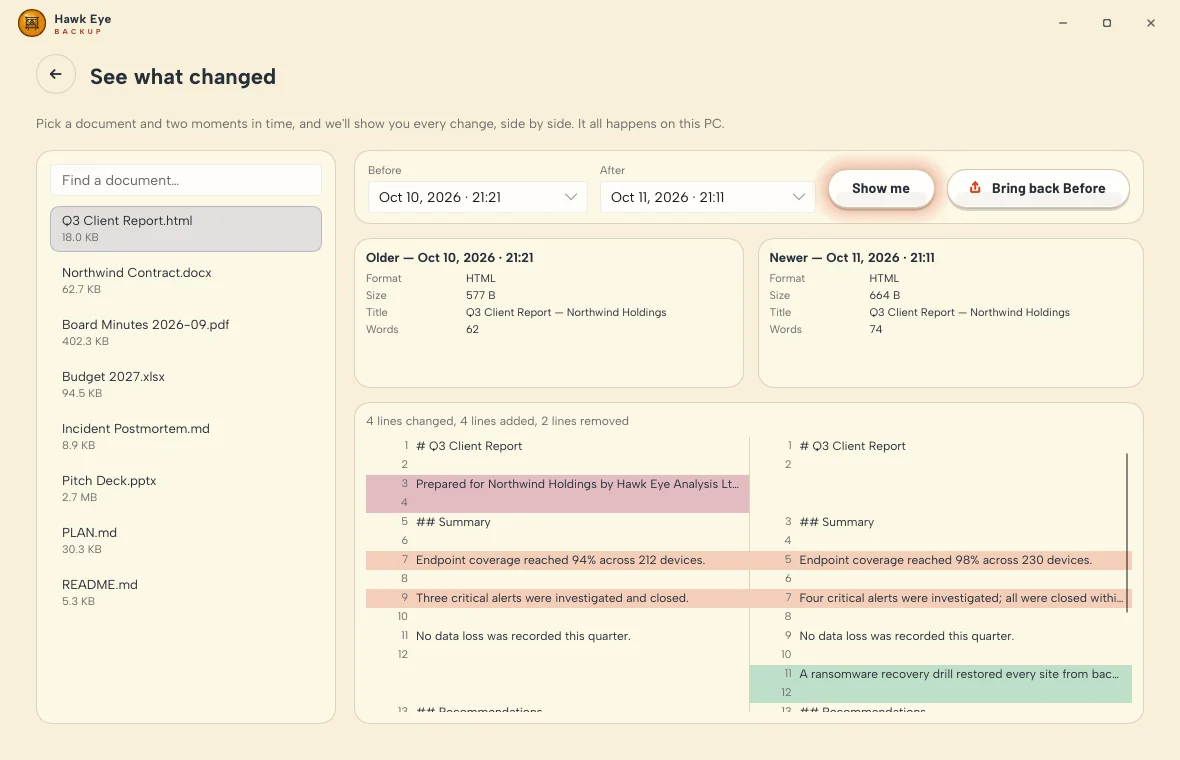
Every backup keeps a version of every file that changed. Open any of them right inside the app, see exactly what's different, and put the one you want back.
1Q3 Client Report
1Q3 Client Report
2Prepared for Northwind Holdings by Hawk Eye Analysis Ltd.
3Summary
2Summary
4Endpoint coverage reached 94% across 212 devices.
3Endpoint coverage reached 98% across 230 devices.
5Three critical alerts were investigated and closed.
4Four critical alerts were investigated; all were closed within 4 hours.
6No data loss was recorded this quarter.
5No data loss was recorded this quarter.
6A ransomware recovery drill restored every site from backup in under an hour.
7Recommendations
7Recommendations
8Rotate the backup password every quarter.
8Keep an offsite copy of the encrypted backup.
9Next review: 15 October 2026.
9Next review: 14 January 2027.
10Contact: [email protected]
Word, Excel and PowerPoint (the old formats too), PDF, web pages, Markdown, CSV, code and plain text open inside the app. See the words, the title, the size and the word count without bringing anything back first.
Pick a document and any two moments. Every changed, added and removed line sits side by side, highlighted, with the count of changes on top.
Found the one you wanted? Bring back Before, and it comes home next to today's copy as "(restored)". Nothing is overwritten unless you say so.
Designed to be a pleasure to open. Buttons glazed like porcelain, warm light on whatever matters next, and pictures that breathe. Three looks to wear it in, and every Hawk Eye app on your PC follows the one you choose.
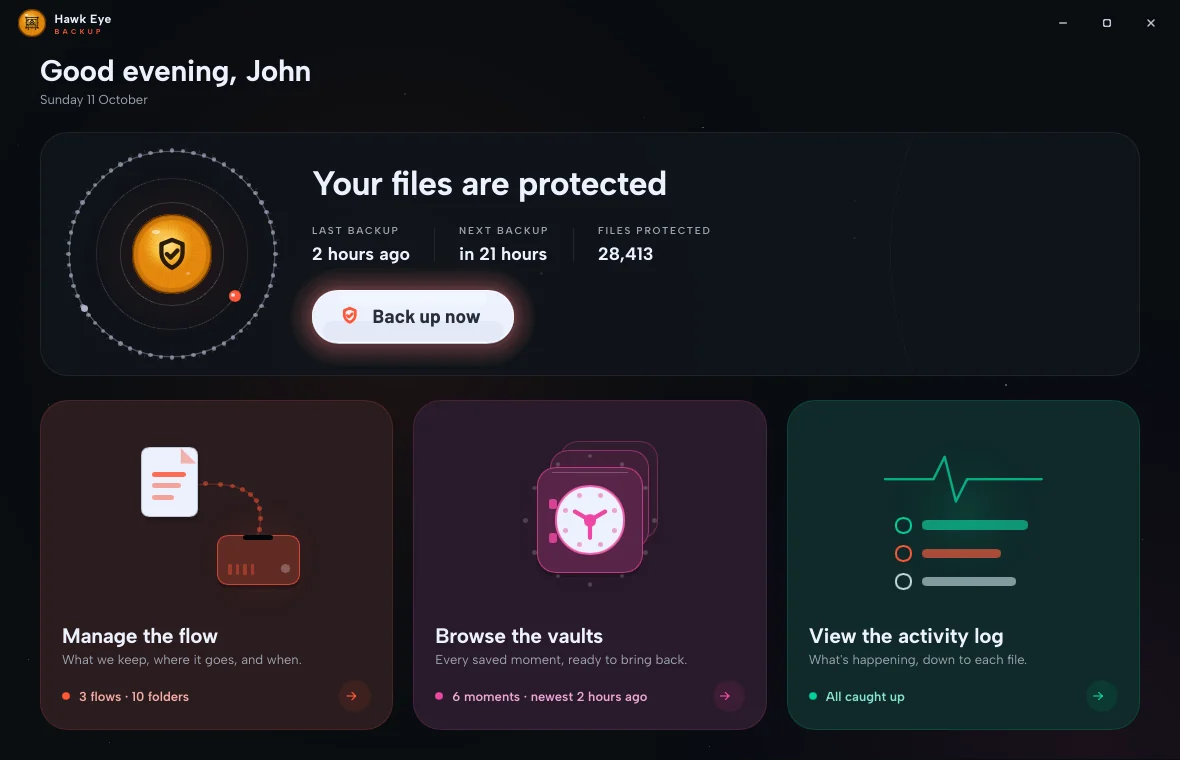
Deep space. A still starfield, progress drawn as constellations, colours that glow.
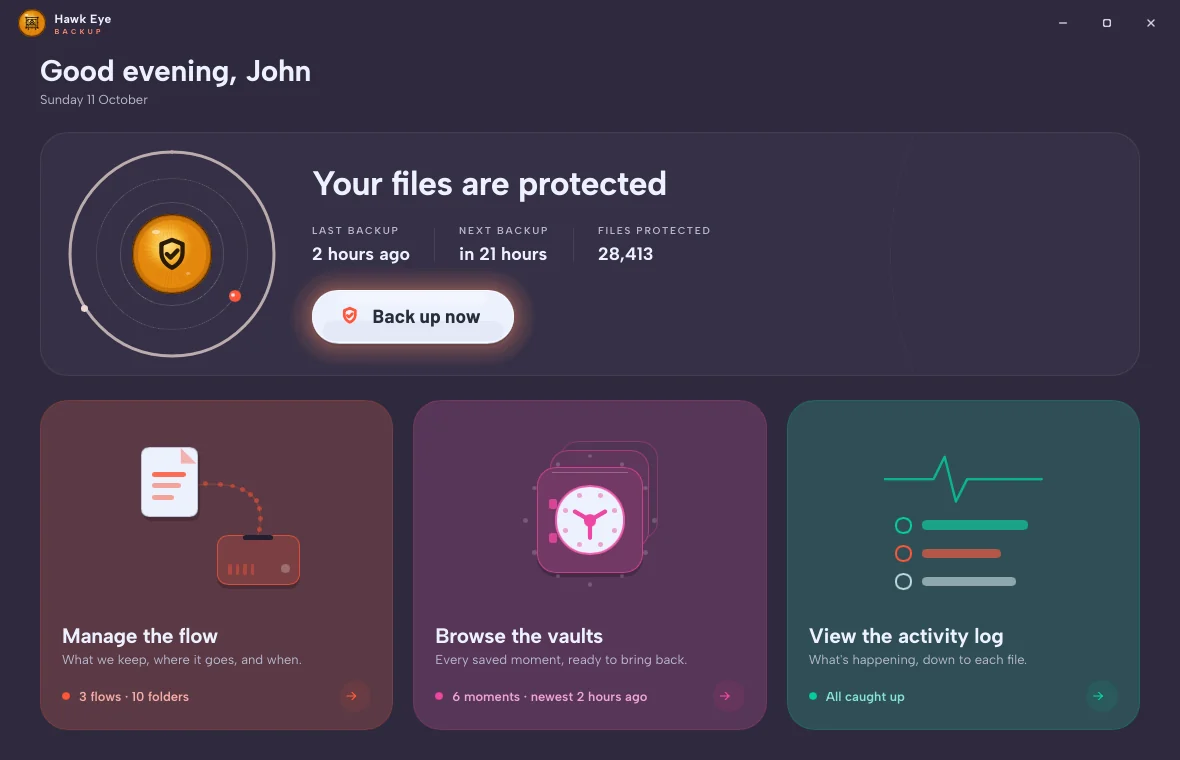
A pastel evening, with vivid colour that pops.
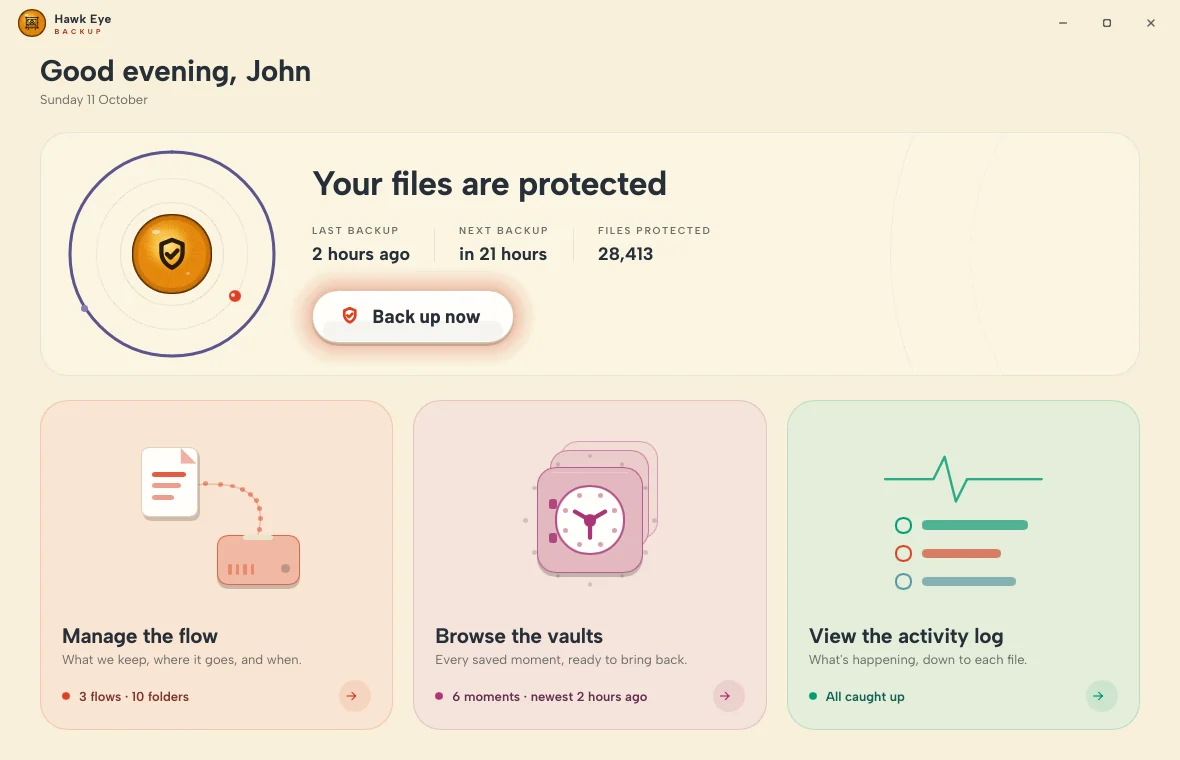
Warm cream and soft pastels, like good paper in daylight.
Every task arrives on a sheet that glides up from below and hushes the rest of the screen. Each plays its own little scene, right through to the final flourish.
Choices sit on light strips, like the dial of a beautifully made machine. Touch one and its lamp comes on.
Porcelain buttons with just enough depth. The one to press next gives off a soft, warm light, so you never have to look for it.
Your password is never written down. Not on your PC, not on the drive. Without it, a backup is just noise.
Every piece of every file is encrypted on your PC, before it goes anywhere near the drive.
Not on your PC, not on the drive, not with us. Change it whenever you like, in a moment.
Each piece is checked as it comes back, on every restore, so nothing damaged or swapped slips through.
Files you're still working in are backed up anyway, from a snapshot Windows takes for us.
Hardly touches your PC while it works. Backups take a little more room.
For anyone who reads the back of the box. Everything above, in the words engineers use.